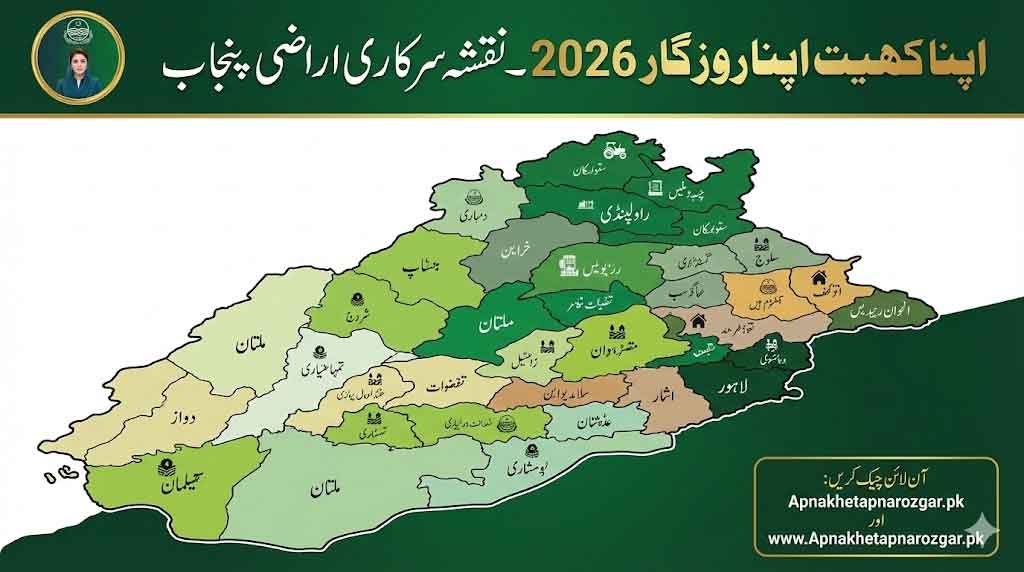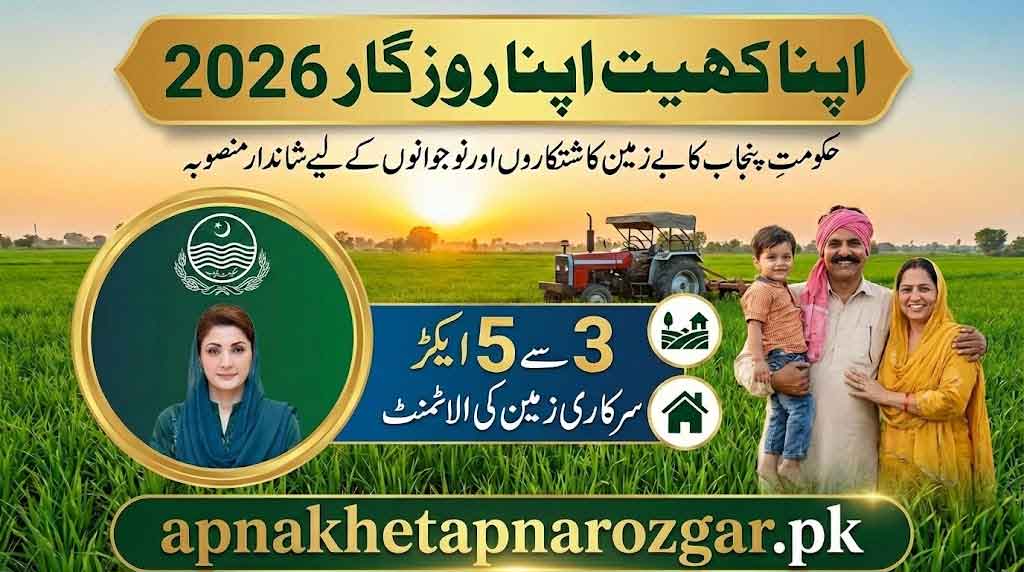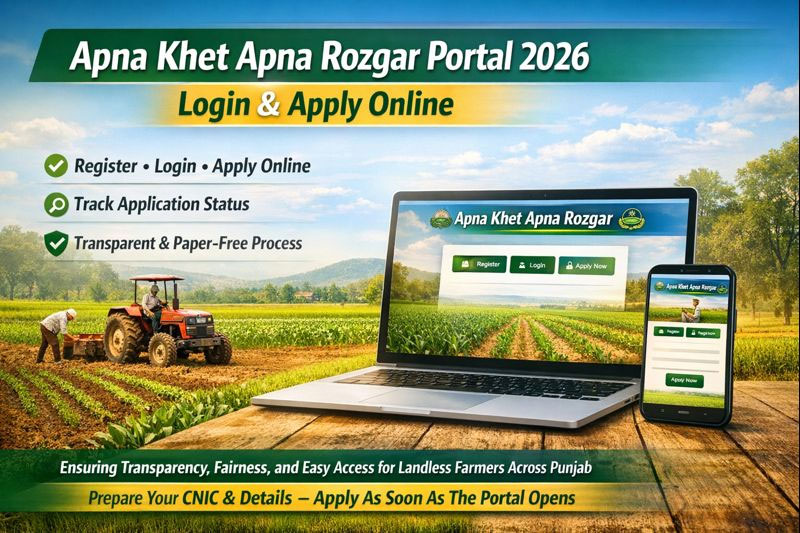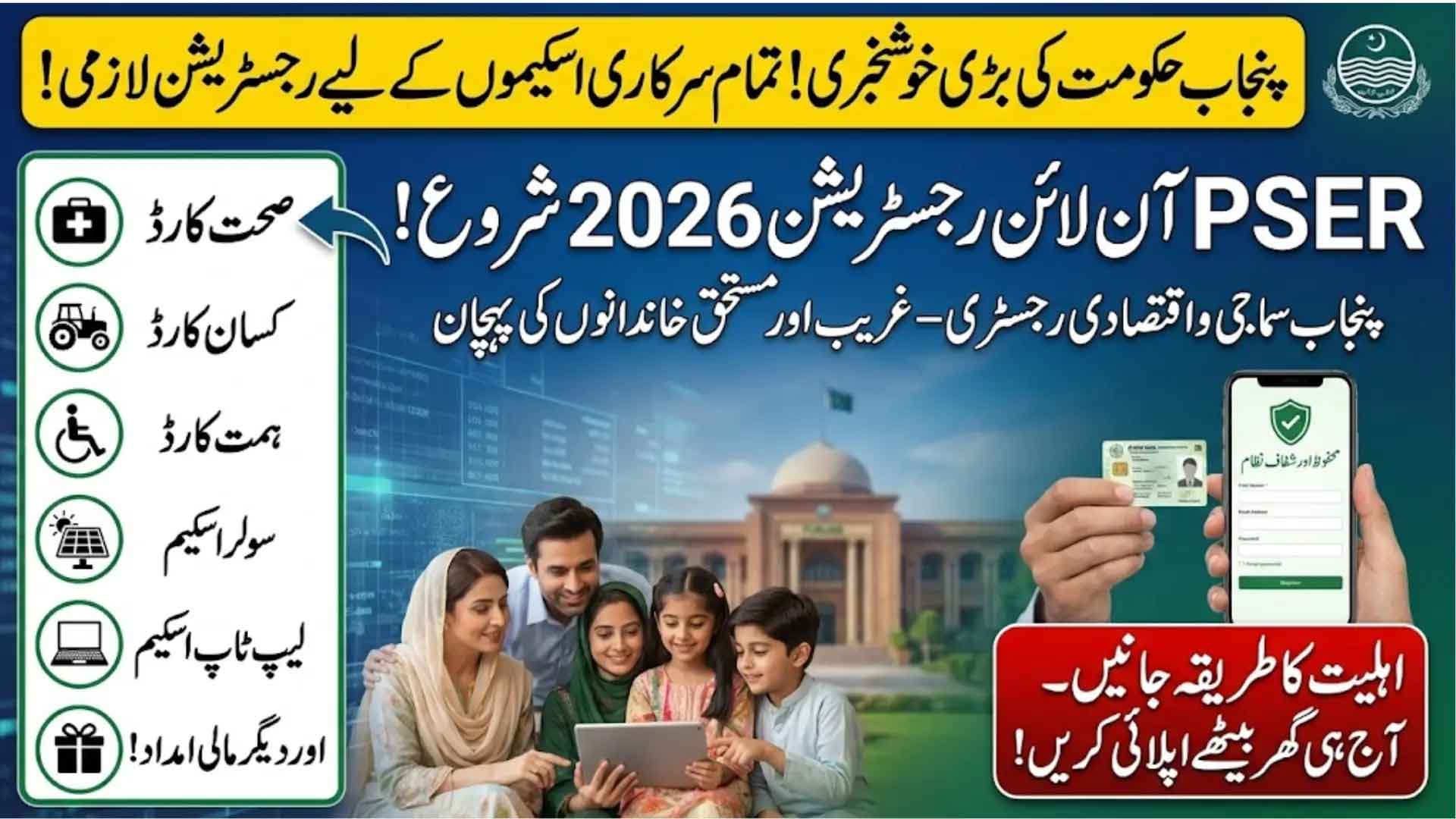
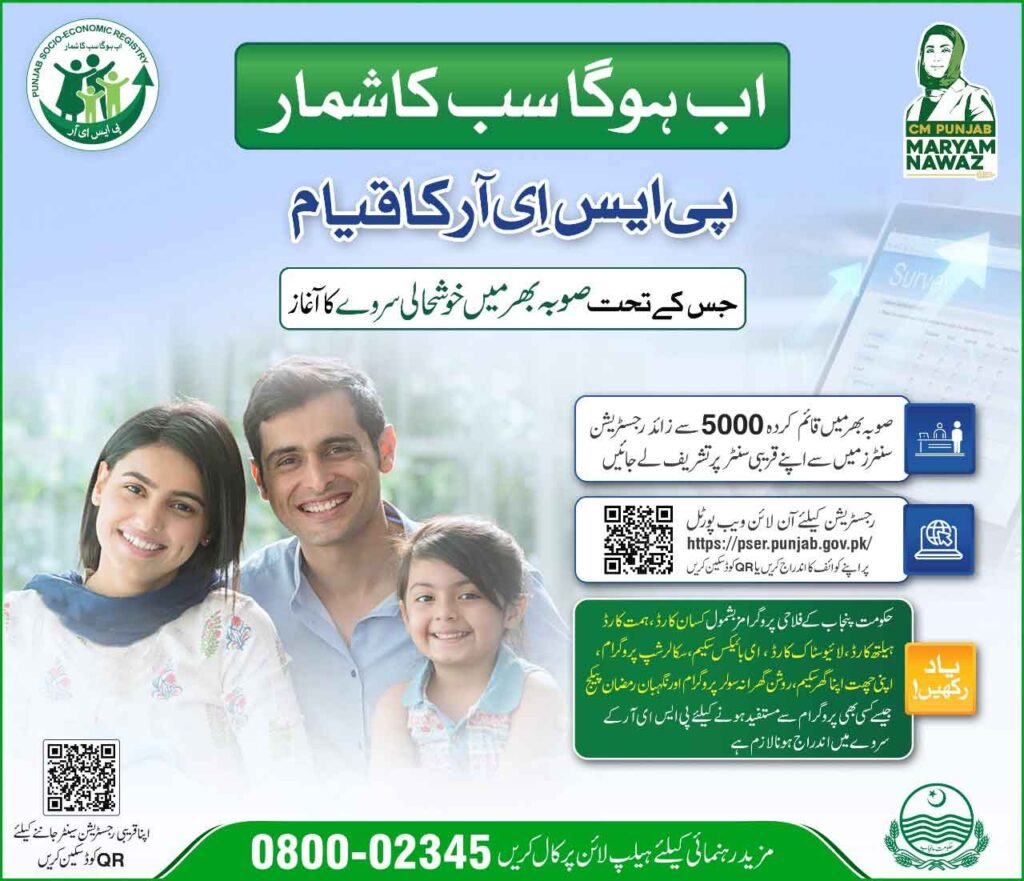
The Provincial Socio-Economic Registry (PSER) is a landmark welfare initiative by the Government of Punjab to support underprivileged families through a centralized and transparent data system. Under PSER Punjab Gov PK 2026, a province-wide prosperity survey has been launched to identify deserving households for government assistance programs, including Ramzan relief, ration schemes, and cash support initiatives. The PSER survey is essential to qualify for government schemes like the Himmat Card, Kisan Card, Health Card, Solar Scheme, Laptop Scheme, and Apna Khet Apna Rozgar Scheme.
The official PSER website pacr.punjab.gov.pk provides complete guidance for the Punjab Socio-Economic Registry survey, and this article explains all required details in a simple way.
Punjab Socio-Economic Registry Portal 2026 @pacr punjab gov pk
To make registration accessible, the government has established over 5,000 PSER registration centers across Punjab. Citizens can register online or visit their nearest center to become eligible for future welfare programs.
What Is PSER Punjab Gov PK 2026?
PSER is a centralized socio-economic database that collects detailed household information to determine eligibility for government relief schemes. Based on the collected data, families can qualify for:
- Ramzan relief packages
- Cash assistance programs
- Ration cards
- Subsidies and social protection initiatives
The PSER Punjab Gov PK Ramzan Registration is especially important for families seeking seasonal financial support.
PSER Punjab Gov PK Registration Online How to Apply
Once you start the PSER Punjab Gov PK registration online, you must provide accurate and truthful information. Below is the complete step-by-step process.
Step 1: Start New Application
- Click on “New Application”
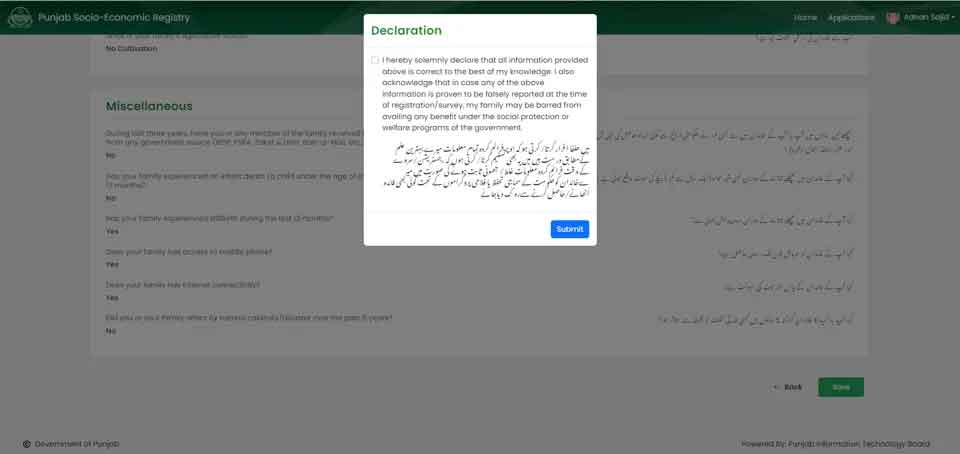
- Accept the declaration, confirming all information is correct

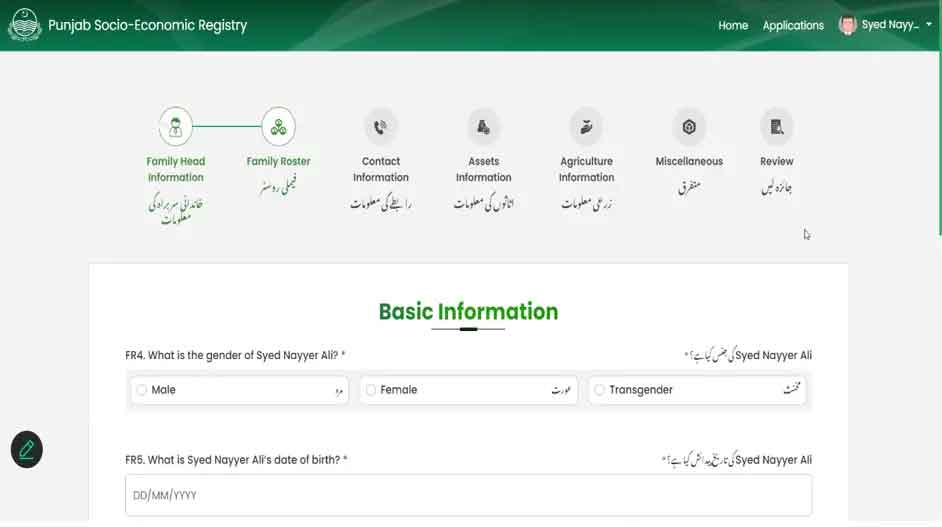
Step 2: Head of Family Details
- Enter the name of the family head
- Provide CNIC number
- Add basic details:
- Gender
- Date of birth
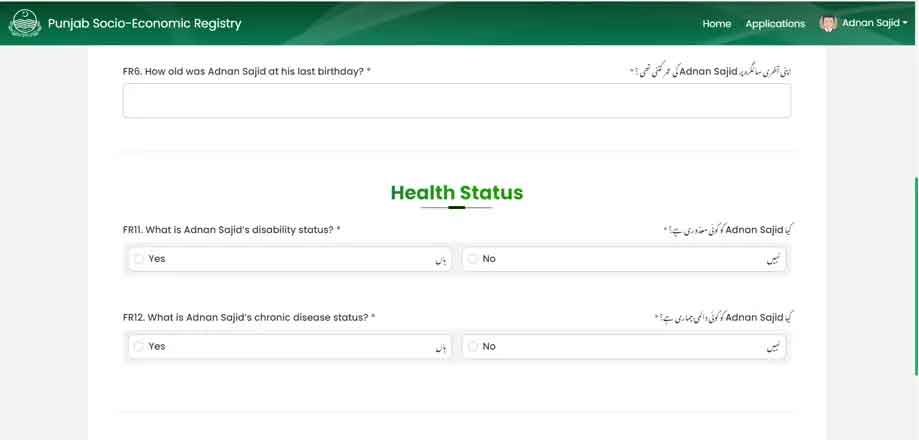
Step 3: Health Status
- Select Yes/No if you have:
- Any disability
- Any chronic disease
If yes, choose the disability type:
- Upper limb disability
- Lower limb disability
- Mental disability
- Speech disability
- Hearing disability
- Visual disability
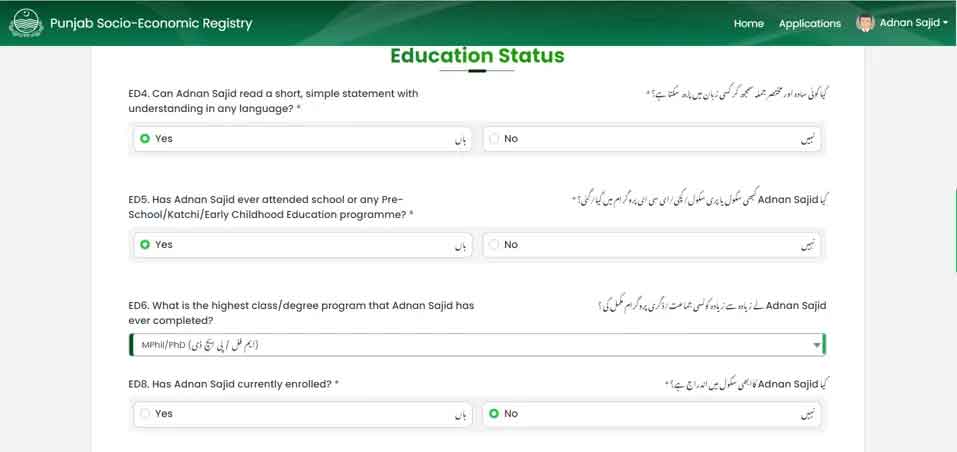
Step 4: Education Status
- Can you read a simple sentence (Yes/No)?
- Highest education level completed
- If never attended school, mention the real reason
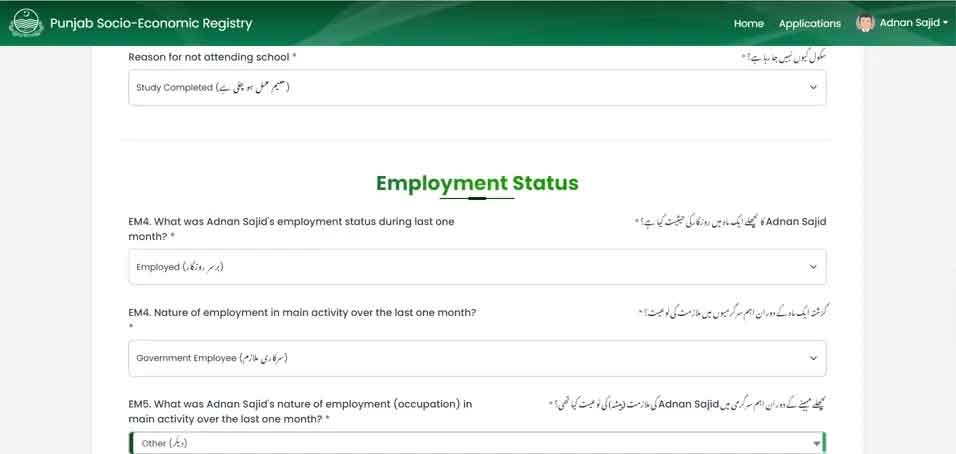
Step 5: Employment & Income Details
- Main source of income
- Nature of job
- Average monthly income (in Pakistani Rupees)
- Bank account details (bank name & account number)
- If no bank account, select No
Step 6: Contact Information
- Provide two mobile numbers
- Select their respective networks
Step 7: Current Address
- Province
- Union Council
- City / Village
- Urban or Rural area
- Complete current address
Step 8: Permanent Address
- Province
- Union Council
- City / Village
- Urban or Rural area
- Permanent address
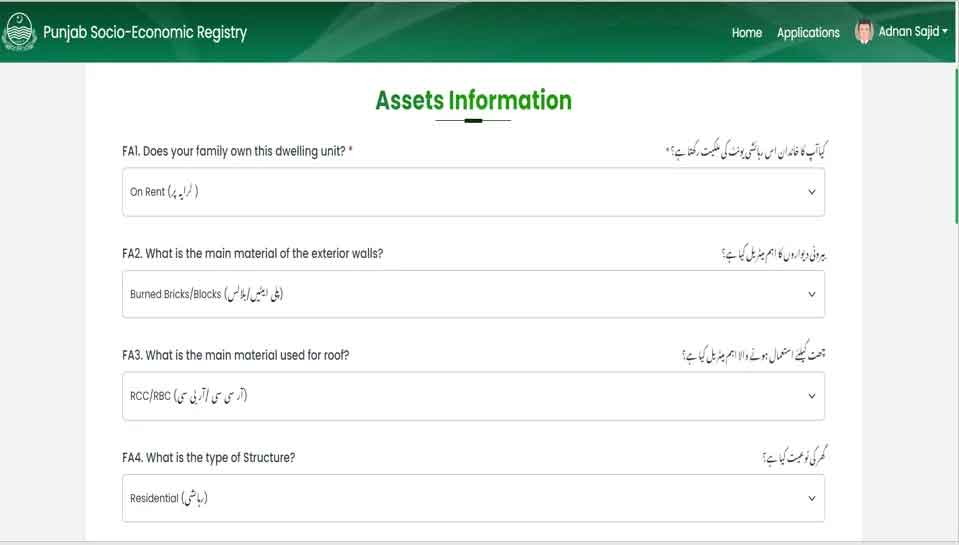
Step 9: Asset Information (Very Important)
This section mainly decides eligibility.
Housing Details
- Ownership of house (Yes/No)
- Wall material
- Roof material
- Condition of house
Household Facilities
- Number of family members
- Cooking fuel type
- Toilet facility type
- Drinking water source
- Electricity connection (own/shared)
Assets
- Livestock (cow, goat, buffalo, horse, etc.)
- Agricultural land ownership
- Vehicles or transport items owned
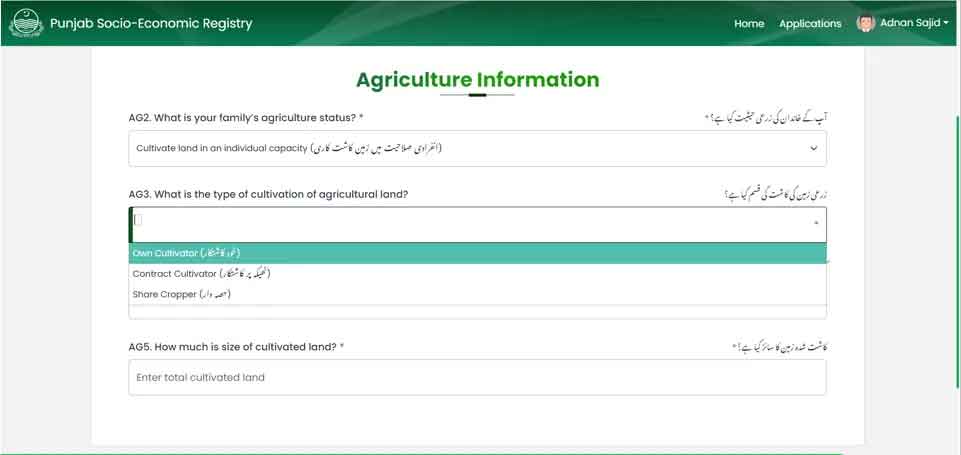
Step 10: Agricultural Information
If you own agricultural land:
- Select Yes
- Choose cultivation type:
- Owner cultivator
- Contract cultivator
- Shared cultivator
- Mention land size
Step 11: Miscellaneous Information
Answer honestly:
- Does any family member receive government financial help?
- Any child death in the last year?
- Access to mobile or internet?
- Affected by natural disasters in the last five years?
PSER Punjab Gov PK Registration Check & Login
After completing registration:
- You can check PSER Punjab Gov PK registration status through official channels
- Use PSER Punjab Gov PK login to review or update information if required
- Registered families will automatically be considered for Ramzan and other welfare programs
Why PSER Registration Is Important
- One-time registration for multiple schemes
- Transparent and fair eligibility system
- No need to apply separately for every new program
- Ensures government aid reaches the most deserving
PSER registration Online Apply
The PSER Punjab Gov PK 2026 is a powerful step toward inclusive governance and poverty reduction. By completing PSER registration online or at designated centers, families secure access to current and future relief programs, including Ramzan registration packages.
Providing accurate information is key—PSER registration is free, secure, and essential for welfare support in Punjab.